Visualizer
See Your House With a New Metal Roof Before You Spend a Dollar
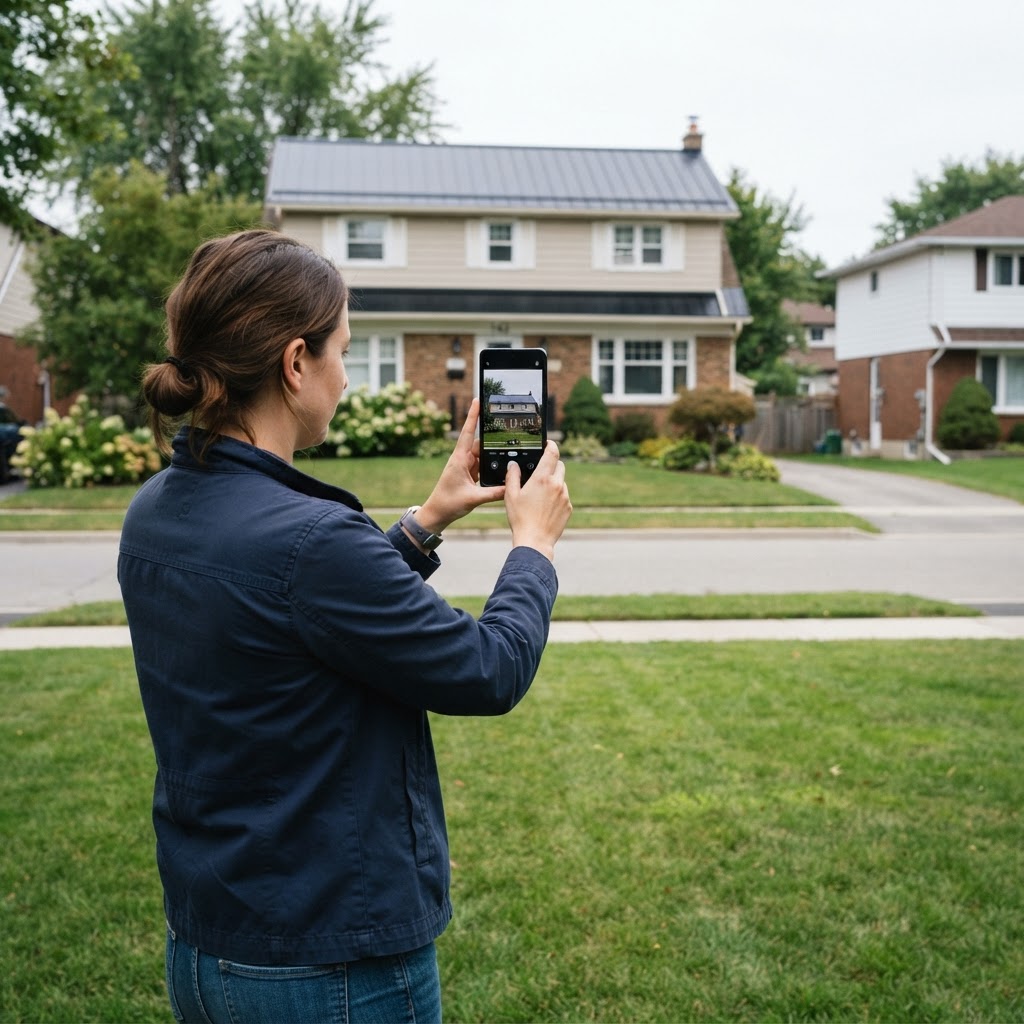
Choosing a roof colour from a brochure is guesswork. A two-inch sample tells you almost nothing about how a full roof plane will look against your siding, your brick, your windows and your driveway.
Seeing the roof on your own house before you buy is the single easiest way to avoid a decision you regret for thirty years. It used to require a contractor with a design program. Now it takes a photo.
Why it helps
Colour reads differently at scale. A deep bronze on a chip is a warm brown. Across a whole roof plane in afternoon sun it can look almost black. Previews show you the difference before it is permanent.
The house has an opinion. The right colour for a grey stone house is not the right colour for red brick. Seeing the roof against your actual materials is the only honest test.
It settles household debates. Two people can look at the same preview and agree in a minute, which is faster than a week of describing shades to each other.
It makes contractor conversations concrete. Arriving with three saved previews is very different from arriving with "something dark, maybe".
How to do it
- Take a clear photo of the front of the house. Straight on, whole roof visible, decent light. Our guide on photographing your house for a roof visualization covers the details.
- Upload it to the roof visualizer.
- Pick a brand and profile first, then a colour. Choosing colour first tends to lead you to a profile that does not suit the house.
- Generate two or three options, not fifteen. You are trying to narrow, not browse.
- Save the ones you like so you can compare them side by side later.
- Look at them again the next day. First impressions are useful; second impressions are more reliable.
What a preview can and cannot tell you
A visualization is a decision aid, not a specification. It shows you colour, profile and overall balance. It does not show you:
- The exact seam spacing or panel count of the finished roof
- How the metal will look in low winter light
- The texture of a stone-coated finish up close
- The trim, fascia and eavestrough details
Use it to choose, then confirm with a physical sample and a contractor's reference photos. Those two steps together are far stronger than either alone.
Compare like a designer
When you have two previews in front of you, ask these questions:
- Does the roof hold the shape of the house? A very light roof on a pale house can dissolve the roofline, especially in snow.
- Does it agree with the brick's undertone? Warm brick wants a warm roof. Grey stone wants a cool one.
- Is it too loud or too quiet? The roof should support the facade, not compete with it.
- Will it still look right in ten years? Trend colours date. Charcoal, bronze, black, deep green and deep red do not.
Use it with your contractor
Bring your saved previews to the first meeting and ask the contractor to tell you what the finished roof will actually look like: how many seams, where the valleys fall, how the trim will be finished. If the preview and the proposal describe the same thing, you are in good shape.
Do it before you sign, not after
The most expensive colour mistake is the one made in a hurry at signing time because a sample had to be chosen that day. Previewing takes a few minutes and costs nothing. Preview several options on your house in the visualizer, save the ones that work, and if you want a second opinion, the Roof Advisor can weigh in on which of your shortlisted options suits the roof shape and exposure.
Put this on your own house
Upload a photo and preview the Ottawa brands, colours and profiles from this guide directly on your home.
Keep reading
Can AI Really Show Your Roof Accurately?
An honest look at what a visualization gets right, where it drifts, and how to judge a render before you trust it.
How to Photograph Your House for the Best Roof Visualization
Light, angle and resolution decide whether a preview is useful. A short checklist that fixes most bad renders.